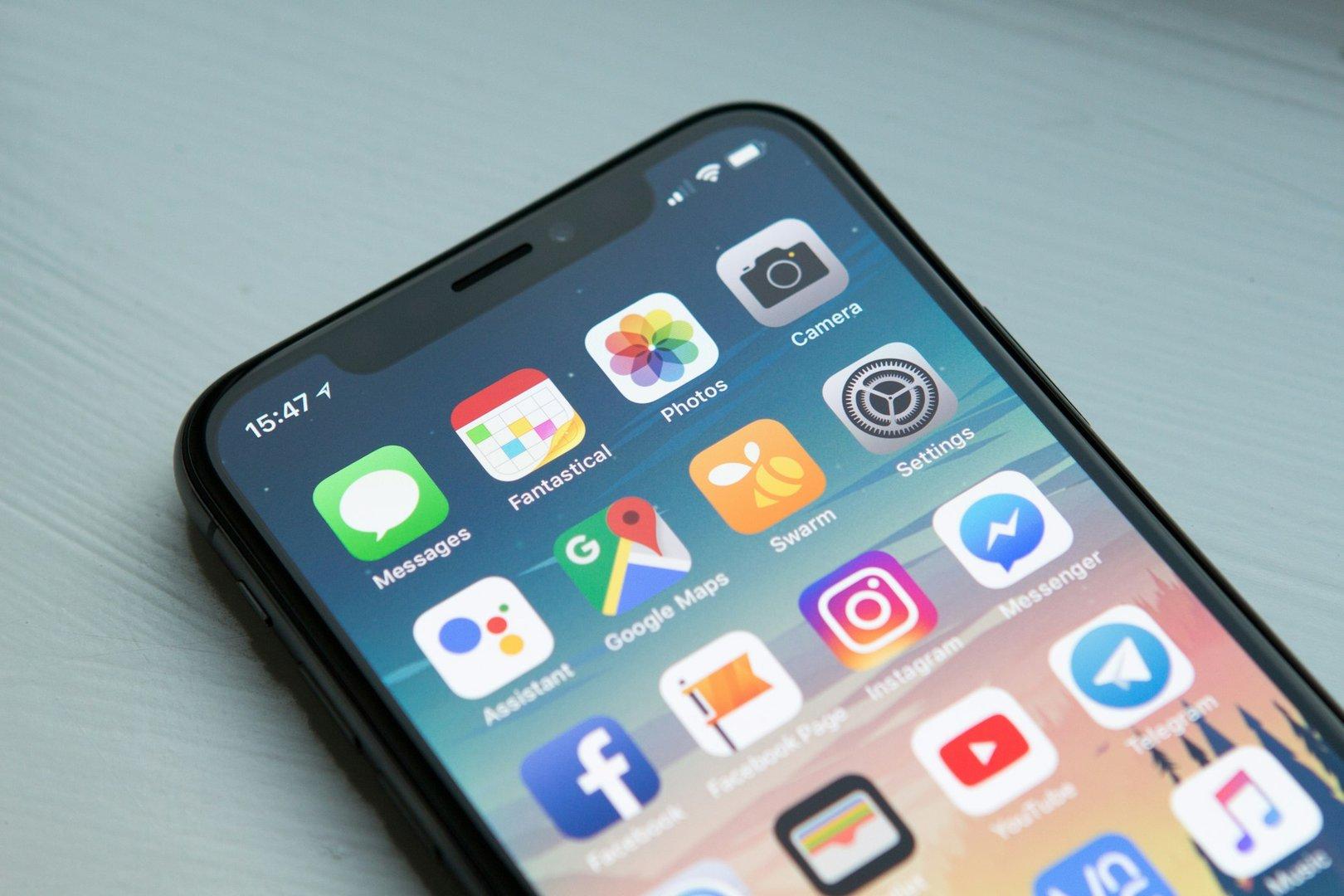
Picture this: your guest receives your digital invitation in the middle of a commute, pulls out their phone, and taps the link. What they see in the next five seconds determines whether they'll RSVP now or 'come back to it later' (and probably forget). In Australia, where smartphone penetration exceeds 70% and mobile internet usage dominates desktop browsing, designing your wedding website for mobile users isn't optional—it's essential.
Mobile-first design isn't just about making your website work on phones—it's about designing for phone users first, then adapting for desktop. This fundamental shift in approach means prioritizing large tap targets for buttons, readable fonts without zooming, fast loading times even on cellular data, and intuitive navigation that works with thumb-based interaction. This guide will walk you through everything you need to know to create a wedding website that delights mobile users.
Understanding Mobile-First Design
Mobile-first design is a philosophy that starts with the smallest screen and works up, rather than designing for desktop and scaling down. This approach forces you to prioritize what truly matters and creates a better experience across all devices.
Why Mobile Matters for Australian Weddings
Australian guests are among the most mobile-connected users in the world. According to recent studies, Australians spend an average of 4-5 hours daily on mobile devices, with social media and messaging apps being primary activities. When your invitation arrives via Viber or Facebook Messenger, guests will open it right there on their phones.
Consider your guest demographics: younger relatives scroll through their phones constantly, busy professionals check links between meetings, and even older family members have embraced smartphones for video calls with OFW relatives. Your wedding website needs to work flawlessly for all of them.
Mobile-First vs. Responsive Design
Responsive design adapts to different screen sizes, but mobile-first takes it further. Instead of hiding or shrinking desktop elements for mobile, you design essential mobile elements first and enhance for larger screens. This ensures mobile users get a purposeful experience, not a cramped desktop site.
The practical difference is significant. A responsive site might show a tiny navigation menu on mobile. A mobile-first site would feature a prominent, thumb-friendly menu designed specifically for touch interaction. The latter results in higher engagement and more completed RSVPs.
Essential Mobile Design Elements
Creating a mobile-friendly wedding website requires attention to specific design elements. These fundamentals ensure your site looks beautiful and functions smoothly on any smartphone.
Touch-Friendly Navigation
Navigation should be thumb-friendly. The most important actions—RSVP, view venue map, contact the couple—should be easily accessible without excessive scrolling. Many couples use a sticky header that remains visible as guests scroll through the page, keeping key actions one tap away.
Buttons should be at least 44x44 pixels—the minimum recommended touch target size. Space them adequately to prevent accidental taps. Place the most critical buttons within the natural thumb zone, which is the lower half of the screen for one-handed use.
Readable Typography
Font size matters more than you think. Body text should be at least 16 pixels to be readable without zooming. Headlines can be larger, but avoid tiny decorative fonts that look elegant on desktop but become illegible on mobile screens.
Line spacing (leading) should be generous—1.5 to 1.6 times the font size works well for body text. This prevents text from feeling cramped and makes reading comfortable. Keep line lengths reasonable; text that spans the full width of a phone screen is harder to read than text with comfortable margins.
Optimized Images and Media
Images are crucial but can be problematic on mobile. Optimize all photos for web use—a 5MB prenup photo might look stunning on desktop but will frustrate mobile users with slow connections. Aim for images under 200KB without sacrificing visible quality.
Use modern image formats like WebP, which offers better compression than JPEG while maintaining quality. Implement lazy loading so images below the fold load only when users scroll to them. Consider using responsive images that serve smaller files to mobile devices and larger files to desktop users.
Performance and Loading Speed
Speed is critical for mobile users. With varying network conditions across Australia—from fast fiber in Sydney metro to slower connections in provinces—your wedding website must load quickly everywhere.
The Impact of Loading Time
Research shows that 53% of mobile users abandon sites that take longer than 3 seconds to load. For wedding websites, a slow first impression can mean lost RSVPs. Guests who encounter a sluggish site while on-the-go often intend to 'come back later' but rarely do.
Every second counts. A site that loads in 1 second versus 3 seconds can see up to 30% higher conversion rates. For wedding RSVPs, this translates directly to more responses and less follow-up work for you.
Speed Optimization Techniques
Start by minimizing HTTP requests—combine CSS files, reduce JavaScript, and use icon fonts instead of multiple image files. Enable browser caching so returning visitors experience faster load times. Compress all text-based assets using Gzip or Brotli compression.
Consider your hosting location. If most guests are in Australia, hosting on servers with good connectivity to Asia improves load times. Content Delivery Networks (CDNs) can also help by serving assets from locations closer to your guests.
Testing Your Site's Performance
Use free tools like Google PageSpeed Insights or GTmetrix to analyze your site's performance. These tools provide specific recommendations for improvement and score your site on key metrics. Aim for a mobile performance score above 80.
Test on actual devices, not just browser simulators. Borrow phones from friends with different models and carriers. Test on both WiFi and cellular data to understand the real-world experience your guests will have.
Designing Mobile-Friendly RSVP Forms
Your RSVP form is the most critical conversion point on your wedding website. A well-designed mobile form dramatically increases completion rates and reduces abandoned responses.
Form Field Best Practices
Use large input fields that are easy to tap. The standard 32-pixel input height works for desktop but feels cramped on mobile—increase to at least 44 pixels. Add sufficient padding inside fields so text doesn't crowd the edges.
Choose appropriate input types. Use email type for email fields (triggers the @ keyboard), tel type for phone numbers (shows numeric keypad), and date pickers instead of text input for dates. These small touches make form completion much faster on mobile.
Reducing Form Friction
Every additional field reduces completion rates. Stick to essential information: attendance confirmation, number of guests, and contact details. Save nice-to-have questions like song requests for later, or make them optional with clear visual distinction.
Use dropdown menus instead of text input where possible. Selecting 'Vegetarian' from a list is faster than typing it. For yes/no questions, large toggle buttons or radio buttons work better than checkboxes on mobile screens.
Friendly Error Handling
Mobile users make more typos than desktop users. Implement real-time validation that highlights errors immediately rather than after form submission. Nothing frustrates mobile users more than filling out a form only to have it reset due to an error.
Error messages should be specific and helpful. Instead of 'Invalid input,' say 'Please enter a valid email address.' Position errors near the relevant field and use color (red) plus icons to make issues immediately visible.
Testing Across Devices
Testing your wedding website on multiple devices before sharing is essential. What looks perfect on your iPhone might break on your uncle's Android phone or your lola's older tablet.
Testing on Real Devices
Ask friends with different phone models to navigate your site. Pay attention to both iOS and Android, as they handle some elements differently. Test on older devices too—not everyone has the latest iPhone or Samsung Galaxy.
Create a simple testing checklist: Can you complete the RSVP form? Do images load quickly? Is text readable without zooming? Does navigation work smoothly? Can you access the venue map and get directions? Have testers try each action and report issues.
Browser Compatibility
Mobile users access sites through various browsers: Safari on iOS, Chrome on Android, Samsung Internet, and in-app browsers from Facebook, Instagram, and messaging apps. Test your site in the Facebook and Viber in-app browsers since many guests will open your link directly from these apps.
Watch for browser-specific quirks. Some browsers handle fonts differently, others have issues with certain CSS properties. The goal isn't pixel-perfect consistency but ensuring core functionality works everywhere.
Gathering User Feedback
After initial testing, do a soft launch with close family. Ask them to RSVP and provide honest feedback about their experience. Watch for patterns—if multiple people struggle with the same element, it needs attention.
Consider asking testers to share their screen while navigating your site. This reveals usability issues you might miss from testing yourself. People often interact with websites differently than designers expect.
Common Mobile Design Mistakes
Avoiding these common pitfalls will ensure your wedding website provides a smooth mobile experience for all your guests.
Horizontal Scrolling Issues
Horizontal scrolling is one of the most frustrating mobile experiences. It usually happens when images or elements are wider than the screen, or when fixed-width elements don't adapt to smaller screens. Always set images to max-width: 100% and test on narrow devices.
Tables and wide content sections often cause horizontal scroll issues. If you must display tabular data (like event schedules), consider reformatting it as cards or lists for mobile, or use horizontally scrollable containers for just that section.
Intrusive Pop-ups and Overlays
Full-screen pop-ups that are easy to dismiss on desktop become nightmare on mobile, often blocking content with no visible close button. If you use pop-ups (for announcements or email captures), ensure they're mobile-friendly with clear, large close buttons.
Auto-playing music or videos are particularly problematic on mobile, consuming data and surprising users in public spaces. If you want background music, make it opt-in with a clear play button rather than automatic.
Ignoring Natural Thumb Zones
The most comfortable area for thumb interaction is the bottom half of the screen. Placing critical buttons at the top requires users to reposition their grip or use two hands. Consider this when designing your call-to-action placement.
Navigation hamburger menus are typically in the top corner, but their contents can expand downward into comfortable reach. Similarly, floating action buttons (like a persistent RSVP button) work well in the bottom right corner.
Creating a mobile-first wedding website is about respecting how your guests actually use technology. By prioritizing mobile design, optimizing for speed, and creating frictionless RSVP forms, you dramatically increase the chances that guests will respond promptly and enthusiastically.
Remember that testing is ongoing—as you make updates to your site, test them on mobile before publishing. Ask your first wave of RSVPs if they experienced any issues, and refine accordingly.
A beautiful, fast, mobile-friendly wedding website doesn't just collect RSVPs—it sets the tone for your celebration and shows guests you value their time and experience. In a world where first impressions happen on a 6-inch screen, mobile-first design is the key to wedding website success.